Mini Wireless Bluetooth Label Printer
Mini Wireless Bluetooth Label Printer
Free shipping &Return
7-day money-back guarantee
Orders placed before 5 PM will be shipped the same day.
Couldn't load pickup availability

Mini Wireless Bluetooth Label Printer
Payment Security Certification
Payment Security Certification


The Perfect Gift for All Ages — Kids, Teens, Adults & Loved Ones
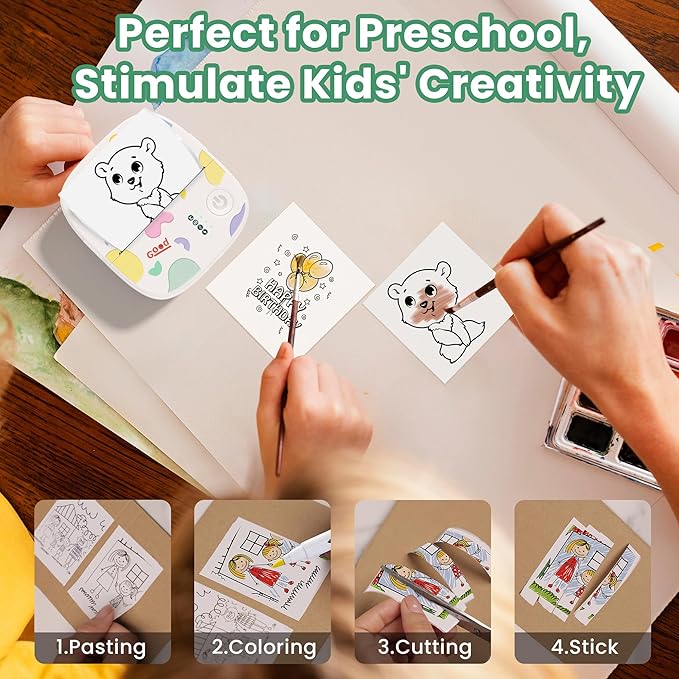
Looking for a unique, fun, and practical gift? The XenGro mini sticker printer machine is the ultimate choice for Xmas, birthdays, anniversaries, New Year and everyday surprises. Whether it’s for kids who love creativity, friends who enjoy crafting, or adults who value organization, this mini printer brings joy, convenience, and endless possibilities to everyone.
Creativity & Productivity Anytime, Anywhere
This portable, inkless thermal print pod is not just a toy — it’s a powerful tool for daily life. Print notes, to-do lists, labels, memos, stickers, photos, journals, and more with just a tap on your phone. Lightweight and pocket-sized, it goes wherever you go.
Perfect for Home Organization — Kitchen, Bedroom & Beyond
Transform your home in seconds!
• Kitchen — Label spice jars, food containers, storage bins, and meal-prep boxes.
• Bedroom — Organize drawers, accessories, skincare, crafts, and personal items.
• Home Office — Print quick notes, file labels, reminders, and study materials without hassle.
Make This Christmas Extra Special
Delight someone you care about with a thoughtful, practical, and fun gift that brings both creativity and organization into their everyday life. Add the XenGro mini sticker maker to your cart today — and start printing the magic of your world!


Here’s a quick tip for Bluetooth reconnection that might make your next use smoother:
Once your phone and printer have been paired successfully, they usually reconnect automatically when you open the app.
- Power on the printer first → open the app → it connects the device paired last time automatically.
- Open the app first → power on the printer → you may need to connect manually, or a pairing prompt will appear.
The app scans for devices for the first 10 seconds after being opened. If no device is found, you can connect manually.